
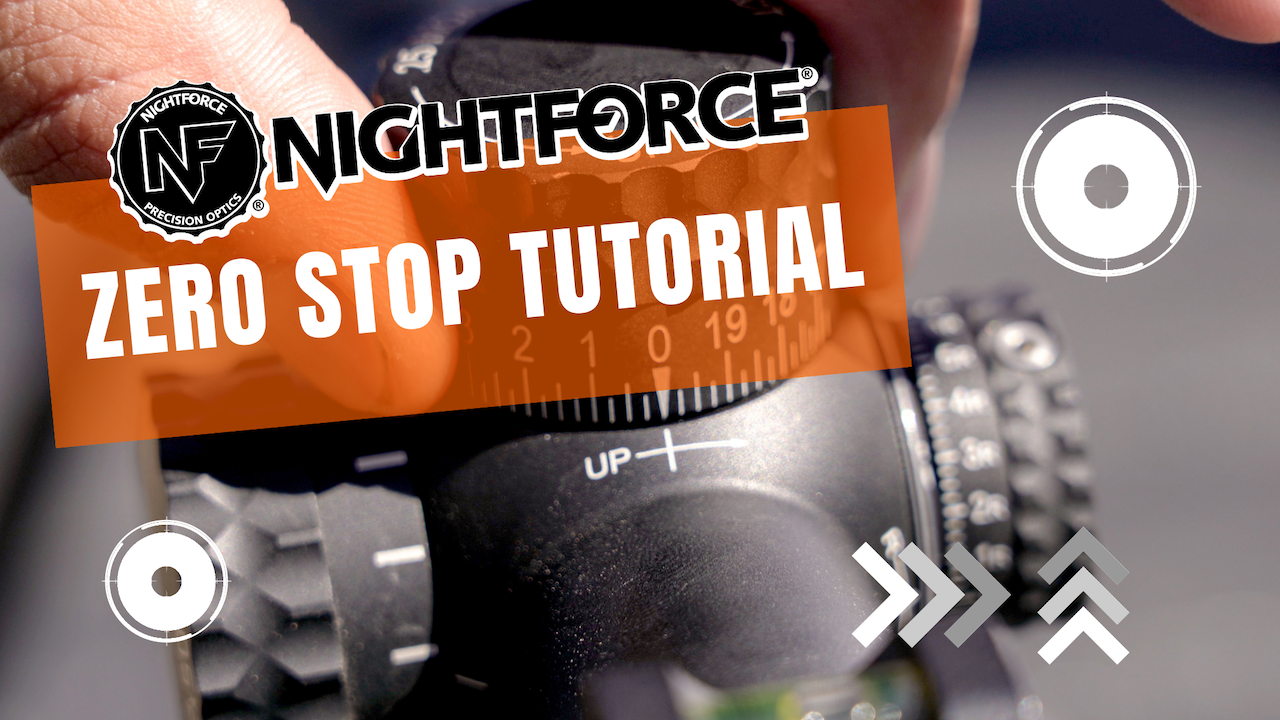
Once you’ve dialed past your zero a few times in the field, you understand why Zero Stop exists. It’s the feature that lets you crank elevation up for a long shot, then spin the turret all the way back down knowing the dial will physically stop right at your zero — no counting clicks, no flashlight, no doubt at 4 a.m. when an elk is feeding into the bottom of a draw.
If you just bought a Nightforce or you’re mounting a fresh scope on a new build, setting Zero Stop is a 5-minute job that pays you back every hunt for the life of the optic. In the video below we walk through it on a Nightforce, and below the video is the same procedure in writing so you can follow along at your bench.
What Zero Stop Actually Does
Nightforce’s Zero Stop is a mechanical hard stop built into the elevation turret. After it’s set, the turret will dial up freely (or up to the limit of your scope’s travel) but will not dial below your established zero. So if you’re holding 12 MILs of elevation for a 1,000-yard shot, you can spin the dial back down without looking and trust that it will stop exactly where you started. It’s the single most under-appreciated feature on a long-range scope.
Before You Touch the Turret
- Confirm a solid zero at your chosen distance (100 yards is the most common). The Zero Stop is set after you’re zeroed, not before.
- Have the small Allen wrench that ships with your Nightforce in your hands — same tool used on most ATACR, NX8, and NXS turrets.
- Work on a stable bench with the rifle level. You don’t want the dial moving around while you’re working.
Step-by-Step: Setting Zero Stop on a Nightforce
1. Confirm zero
Shoot until your group is centered exactly where you want it at your zero distance. Don’t guess this step. Every Zero Stop is set off your actual point of impact, not your intended one.
2. Remove the elevation turret cap
Using the supplied Allen wrench, loosen the small set screws on the side of the elevation turret. On most Nightforce turrets there are two or three set screws spaced around the dial. Back them out enough to lift the turret cap straight up off the spindle — do not unscrew the entire turret. You’re only removing the outer dial.
3. Locate the Zero Stop ring
Underneath the dial cap you’ll see a brass-colored (or sometimes silver) ring with a small set screw or two on top. That’s the Zero Stop ring. It rotates around the spindle, and a small pin or peg on the underside is what physically stops the turret from dialing past zero.
4. Loosen the Zero Stop ring
Loosen the screws on the Zero Stop ring — you’re unlocking it, not removing it. Once it’s loose, the ring will rotate freely on the spindle.
5. Rotate the ring down to its mechanical stop
Without moving the spindle (which would change your zero), rotate the loose Zero Stop ring downward until you feel it bottom out against its internal stop. This is the position that defines “zero” for the turret. On Nightforce, this typically means the ring rotates down until you feel that hard mechanical limit.
6. Tighten the Zero Stop ring screws
With the ring at the bottom of its travel, snug the set screws back down. Don’t crank on them — firm hand-tight is the right amount. Over-torquing these tiny screws is how you strip them.
7. Reinstall the turret cap at zero
Drop the elevation dial back over the spindle so the “0” line is aligned with the index mark on the scope body. Hold it in position while you tighten the dial’s set screws. Tighten them evenly — alternate between screws in small increments so the dial sits flat and concentric on the spindle.
8. Verify
Dial up 5 or 10 MILs, then spin the turret back down. It should stop exactly on the “0” mark. Dial up again and spin back down a couple more times. If it stops cleanly at zero every time, you’re set. If it stops short or sails past, repeat the procedure.
Common Mistakes That Cost You a Shot
- Setting Zero Stop before you’ve confirmed your zero. The dial is locked to whatever point of impact you had when you set it — if your zero was off, your stop is off.
- Moving the spindle while loosening or tightening. Hold the spindle steady the whole time. The spindle position is your zero; the dial just reads it.
- Over-tightening the set screws. They’re small and they’re aluminum-friendly. Snug, not gorilla.
- Skipping the verification step. Always dial up and back down a few times before walking away from the bench.
- Forgetting it’s a one-zero-distance setting. If you re-zero to a different distance later, you’ll need to reset the Zero Stop.
This Procedure Works On
The general process above applies across the Nightforce lineup including ATACR, NX8, and NXS models. Specific turret cap geometry varies a bit between models, but the underlying mechanism — loosen the dial, rotate the inner stop ring to its mechanical limit, lock it, reinstall the dial at zero — is the same.
Where We Get Our Nightforces
We run Nightforce on most of our long-range builds because they hold zero, track honestly, and survive a season of being thrown in and out of trucks, tents, and saddle scabbards. We carry the full lineup at Extremestore.us — including the NX8 4-32x50 F2 we use on the MOA LRH 300 PRC.
If you have a question specific to your scope model, leave a comment on the Extreme Outer Limits channel — we read every one.
Set it once, verify it, and trust it in the field. That’s the whole point of Zero Stop.



Leave a comment
This site is protected by hCaptcha and the hCaptcha Privacy Policy and Terms of Service apply.