
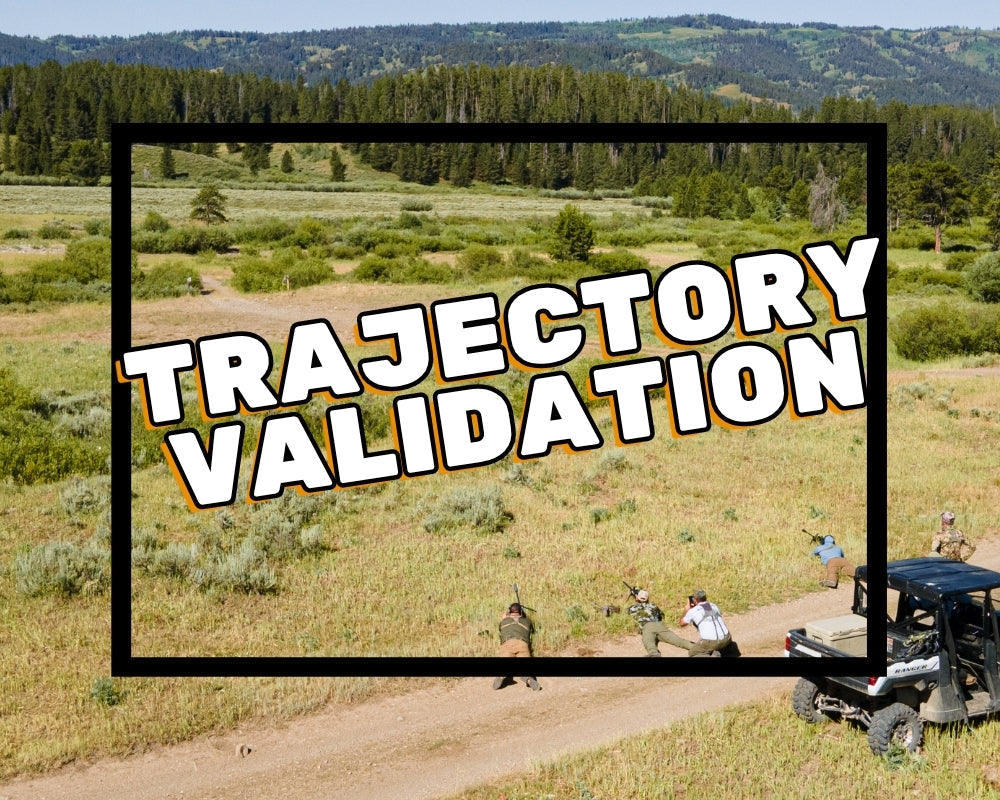
Your ballistic app gives you a predicted trajectory — but how do you know if it's actually correct? Trajectory validation is how you confirm your data matches reality before you're counting on it in the field or on the stage.
What Is Trajectory Validation?
Trajectory validation is the process of shooting at multiple known distances and confirming that your actual point of impact matches your ballistic solution. If your app says dial 4.5 mils for 600 yards and the bullet hits where you expect, your data is validated. If it doesn't, something in your inputs is wrong — and you want to find that out at the range, not in the field.
What Can Throw Off Your Solution
Common culprits include an incorrect muzzle velocity, wrong scope height above bore, incorrect ballistic coefficient for the bullet you're actually shooting, or atmospheric inputs that don't reflect current conditions. Even a small muzzle velocity error compounds significantly at distance.
How to Do It
- Start with a confirmed zero at 100 yards.
- Enter your rifle data into your ballistic app: muzzle velocity (chronographed, not estimated), BC, scope height, zero distance.
- Dial the app's solution and shoot at 300, 500, and 600 yards — or whatever distances you have available.
- Note any deviation between predicted and actual impact. Adjust your inputs until they match.
Why It Matters
A ballistic solution that hasn't been validated is a guess. A validated solution is data. At long range, the difference between those two things is a clean hit or a miss. Always validate before you hunt or compete.
At MOA, we confirm trajectory data as part of our load development process on every rifle we build. Learn more about what that includes.


Leave a comment
This site is protected by hCaptcha and the hCaptcha Privacy Policy and Terms of Service apply.